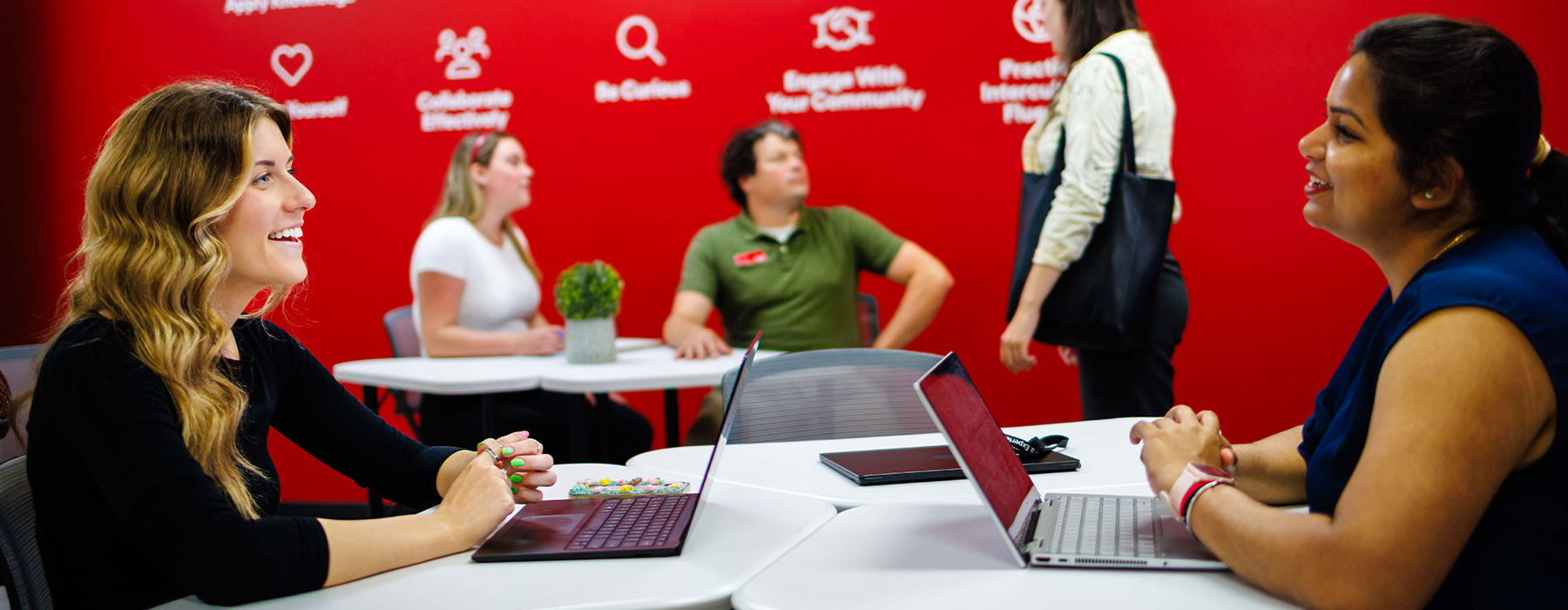
The Career Education team specializes in building connections between students and employers; campus and industry; education and work. We support students in navigating career opportunities and developing career goals, while also partnering with employers to strengthen their campus hiring strategies and build a pipeline of talented professionals for their organizations.
Our diverse team has expertise in career coaching/development, job search strategies, interviewing, recruitment/talent acquisition, personal branding and labour market needs/expectations. Our innovative and customized programming prepares students and graduates for success in a competitive job market while supporting employers with their campus hiring needs.
In a competitive job market, you will need a combination of relevant experience, applicable skills, an understanding of employer expectations, and a network of advocates. We can help you.
News and events
Career Education in the news

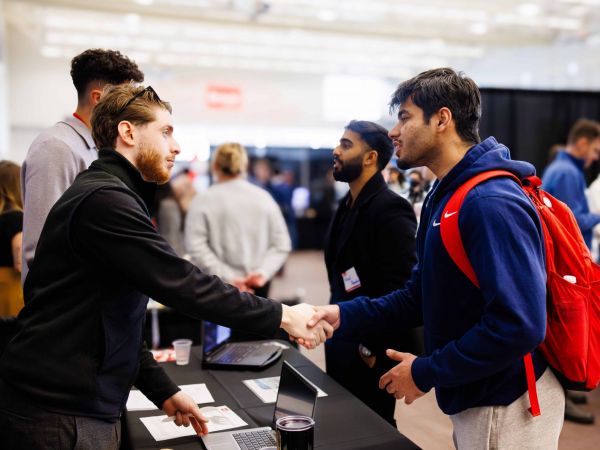
Experience Expo to connect students with more than 80 employers
January 22, 2026
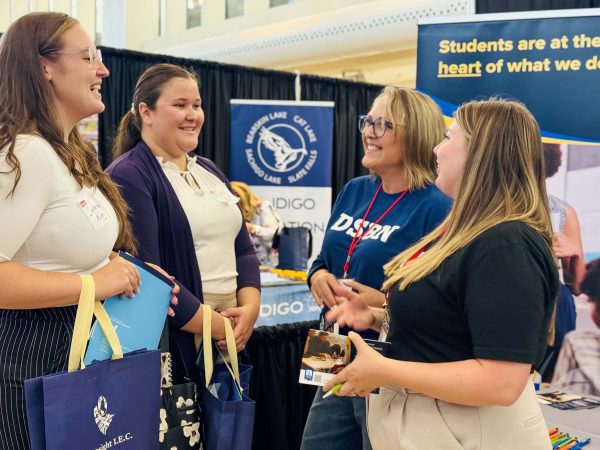
Opportunities abound for Brock’s aspiring educators
September 25, 2025
All stories
Upcoming events
-
FromJun 9
-
FromJun 10
-
FromJun 16