Dining Services at Brock University provides a wide range of products and services to students, staff, faculty and the community. We are committed to providing seamless and comprehensive services and choices while supporting a healthy and sustainable university environment.
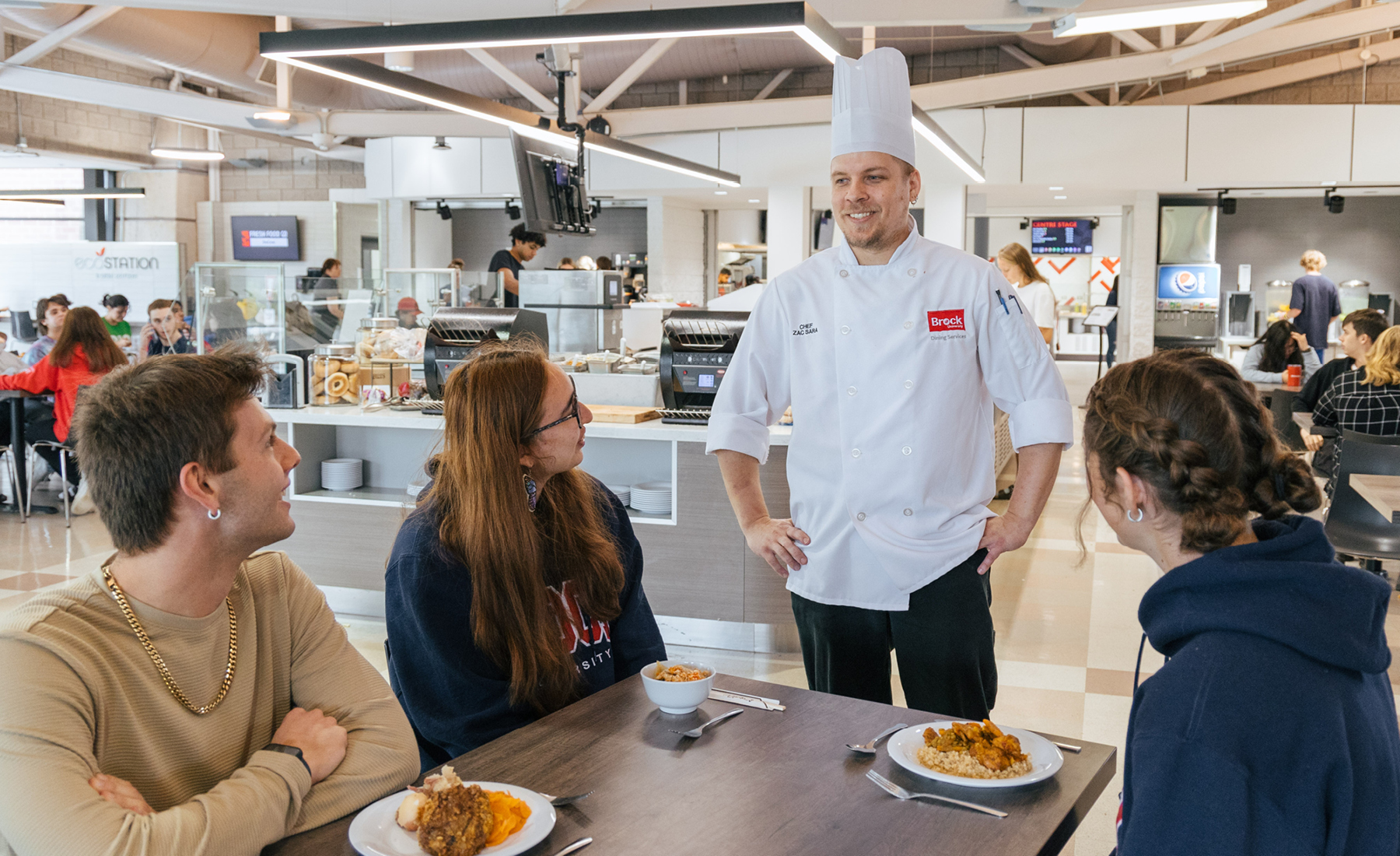
Residence Meal Plans
Learn More
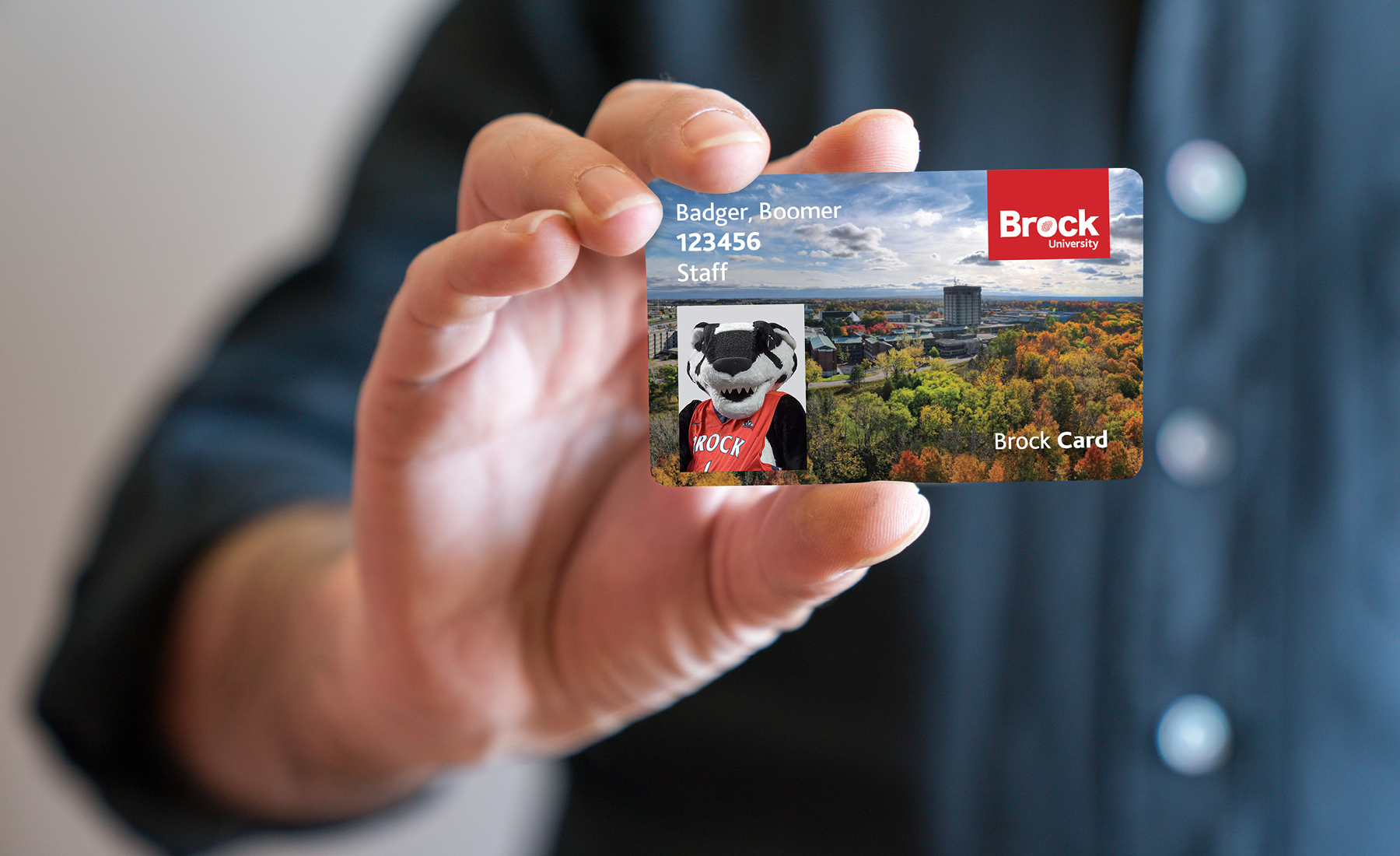

Happy or Not Feedback
Share your feedback about a recent experience you have had with us.
Learn MoreCopyright © 2026
Brock University
Non-discrimination Policy
University policies
Privacy Accessibility
Niagara Region
1812 Sir Isaac Brock Way
St. Catharines, ON
L2S 3A1 Canada
+1 905-688-5550
We acknowledge the land on which Brock University was built is the traditional territory of the Haudenosaunee (ho-din-anish-shonee) and Anishinaabe (A-nish-shin-aaabee) people, many of whom continue to live and work here today. This territory is covered by the Upper Canada Treaties and is within the land protected by the Dish with One Spoon Wampum agreement. Today, this gathering place is home to many First Nations, Métis and Inuit, and acknowledging reminds us that our great standard of living is directly related to the resources and friendship of Indigenous people.
Top